

Adding a gift card to Apple Wallet makes checkout faster, safer, and more convenient. Instead of carrying physical cards, you can store and use them directly from your iPhone or Apple Watch.
In this guide, you’ll learn exactly how to add a gift card to Apple Wallet, including Apple Gift Cards and third-party store cards.
1️⃣ How to Add an Apple Gift Card to Apple Wallet
If you have an Apple Gift Card (physical or digital), you can redeem it to your Apple ID balance.
🔹 Method 1: Redeem Using the Camera (Physical Card)
- Open the App Store on your iPhone.
- Tap your profile picture (top right).
- Select Redeem Gift Card or Code.
- Tap Use Camera and scan the code on the back of the card.
- Confirm to add the balance to your Apple ID.
Your balance is now linked to your account and usable in:
- App Store purchases
- Apple Music subscriptions
- iCloud storage
- Apple products online
🔹 Method 2: Redeem a Digital Code
If you received a gift card by email:
- Open the email.
- Tap Redeem Now.
- Sign in with your Apple ID.
- The balance will be added automatically.
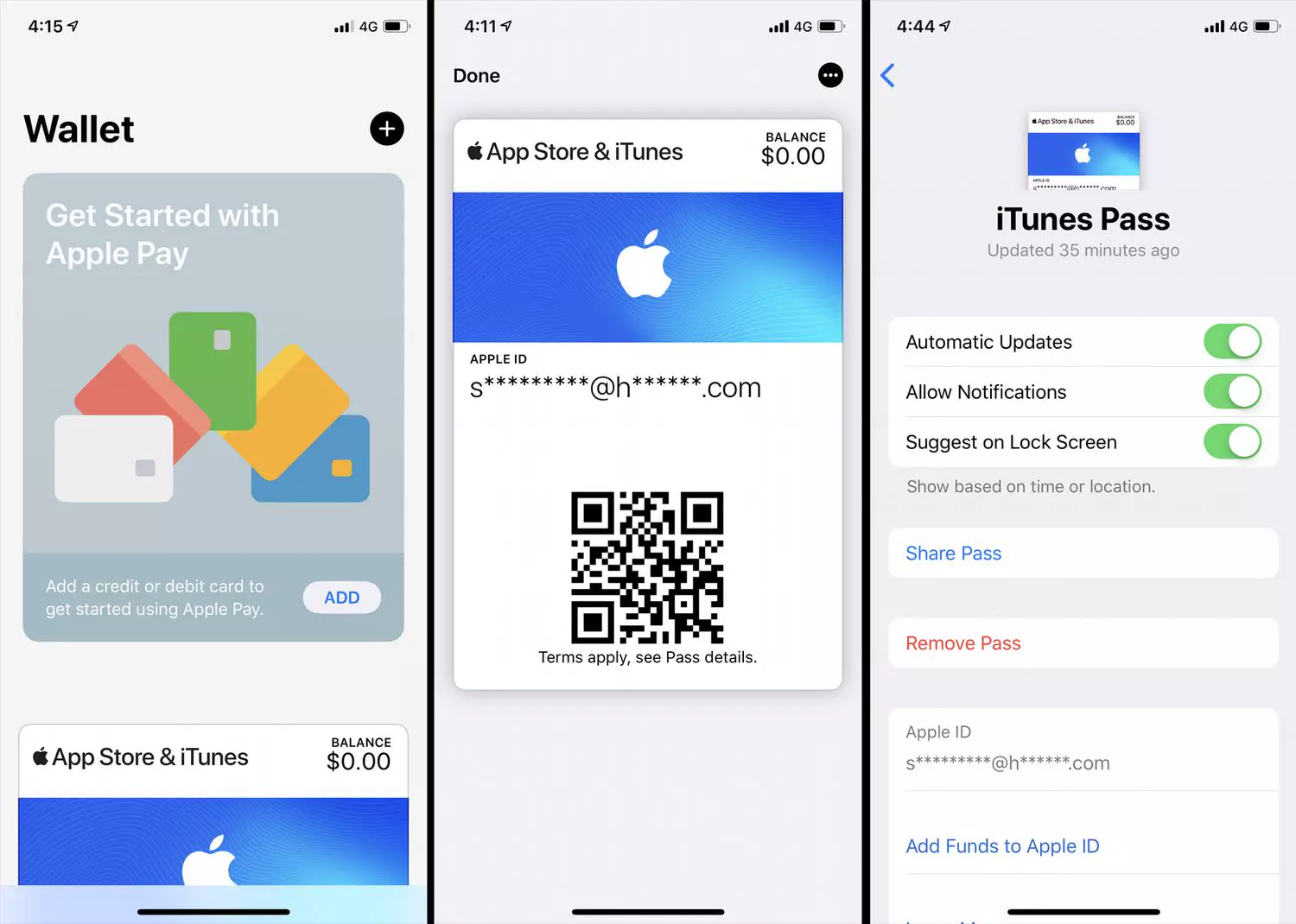
Note: Apple Gift Cards don’t appear as a scannable card inside Apple Wallet — instead, the funds are added to your Apple ID balance.
2️⃣ How to Add a Store Gift Card to Apple Wallet
Many retailers allow you to store gift cards directly in Apple Wallet.
🔹 Method 1: Using the “Add to Apple Wallet” Option
- Open the retailer’s app or website.
- Find your gift card.
- Tap Add to Apple Wallet.
- Confirm by tapping Add.
The card will now appear in your Wallet app with a scannable barcode.
🔹 Method 2: Add via QR Code or Email
Some brands send a QR code or barcode:
- Open the email or app containing the code.
- Tap the Add to Apple Wallet link (if available).
- Follow prompts to save it.
If no Wallet option exists, you may need to:
- Use the retailer’s app instead
- Store a screenshot manually (less secure)
3️⃣ How to Use Your Gift Card in Apple Wallet
Once added:
- Open the Wallet app.
- Tap the gift card.
- Present the barcode at checkout.
- The cashier scans it.
For Apple Watch:
- Double-click the side button.
- Scroll to the gift card.
- Hold the watch near the scanner.
4️⃣ Troubleshooting: Gift Card Not Adding?
Here are common fixes:
✔ Make sure your iPhone is updated to the latest iOS
✔ Ensure the retailer supports Apple Wallet
✔ Check if the gift card has already been redeemed
✔ Sign out and back into your Apple ID
If issues persist, contact Apple Support.
FAQs
❓ Can I manually add any gift card to Apple Wallet?
No. Only retailers that support Wallet integration allow direct adding.
❓ Do Apple Gift Cards show inside Wallet?
No. They add balance to your Apple ID instead.
❓ Can I transfer a gift card balance?
Usually not — most gift cards are non-transferable.
Final Thoughts
Adding a gift card to Apple Wallet is simple and saves time at checkout.
- Apple Gift Cards → Redeem to Apple ID balance
- Store Gift Cards → Use “Add to Apple Wallet” if supported